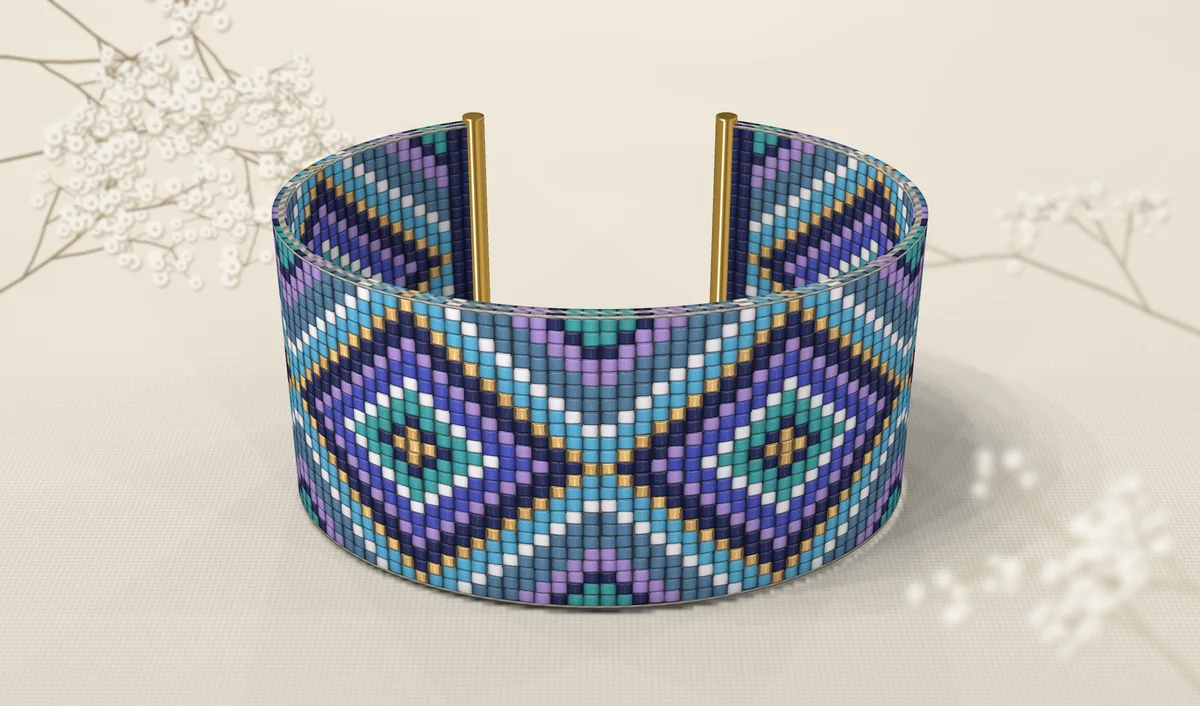
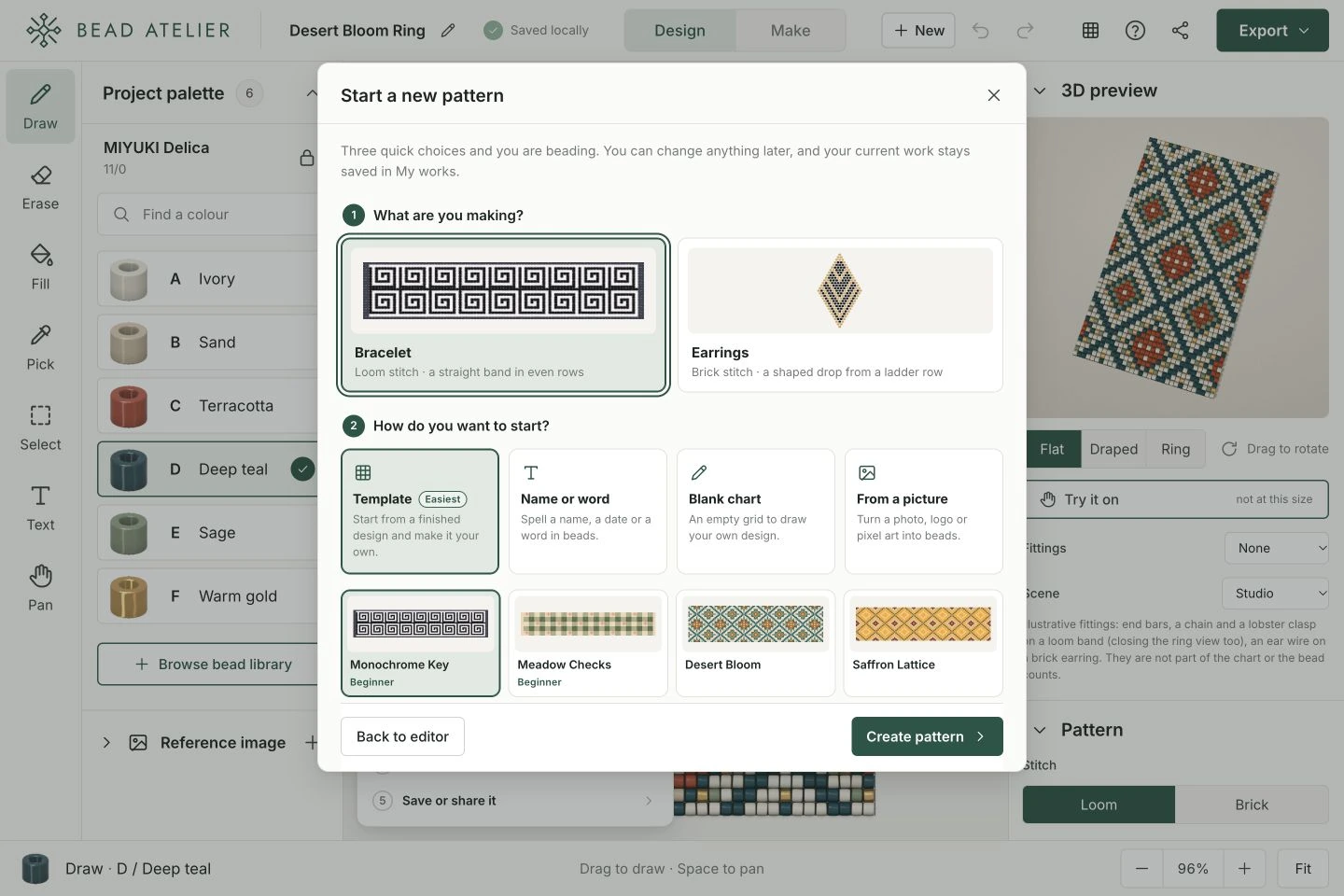
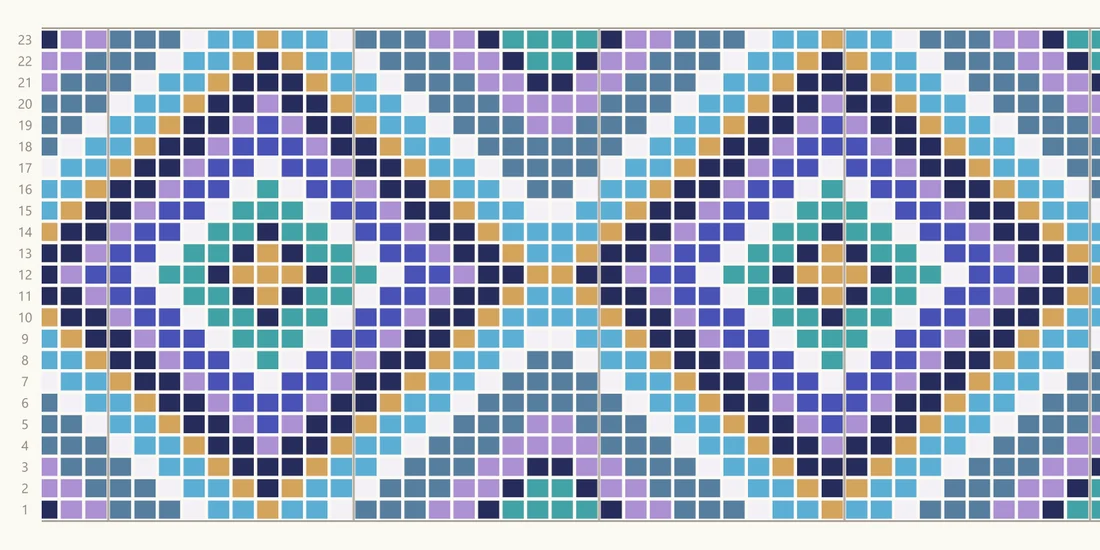
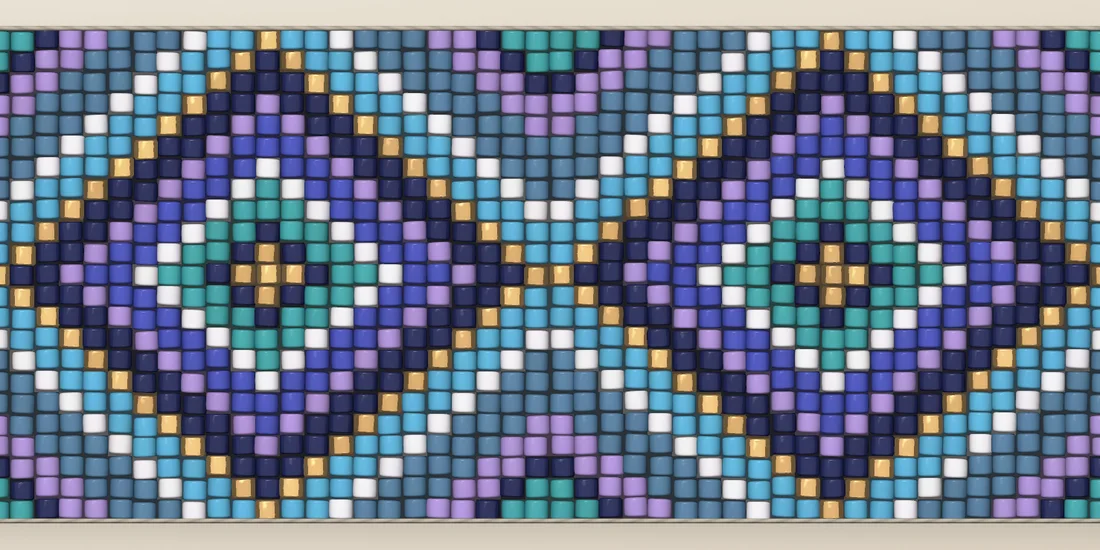
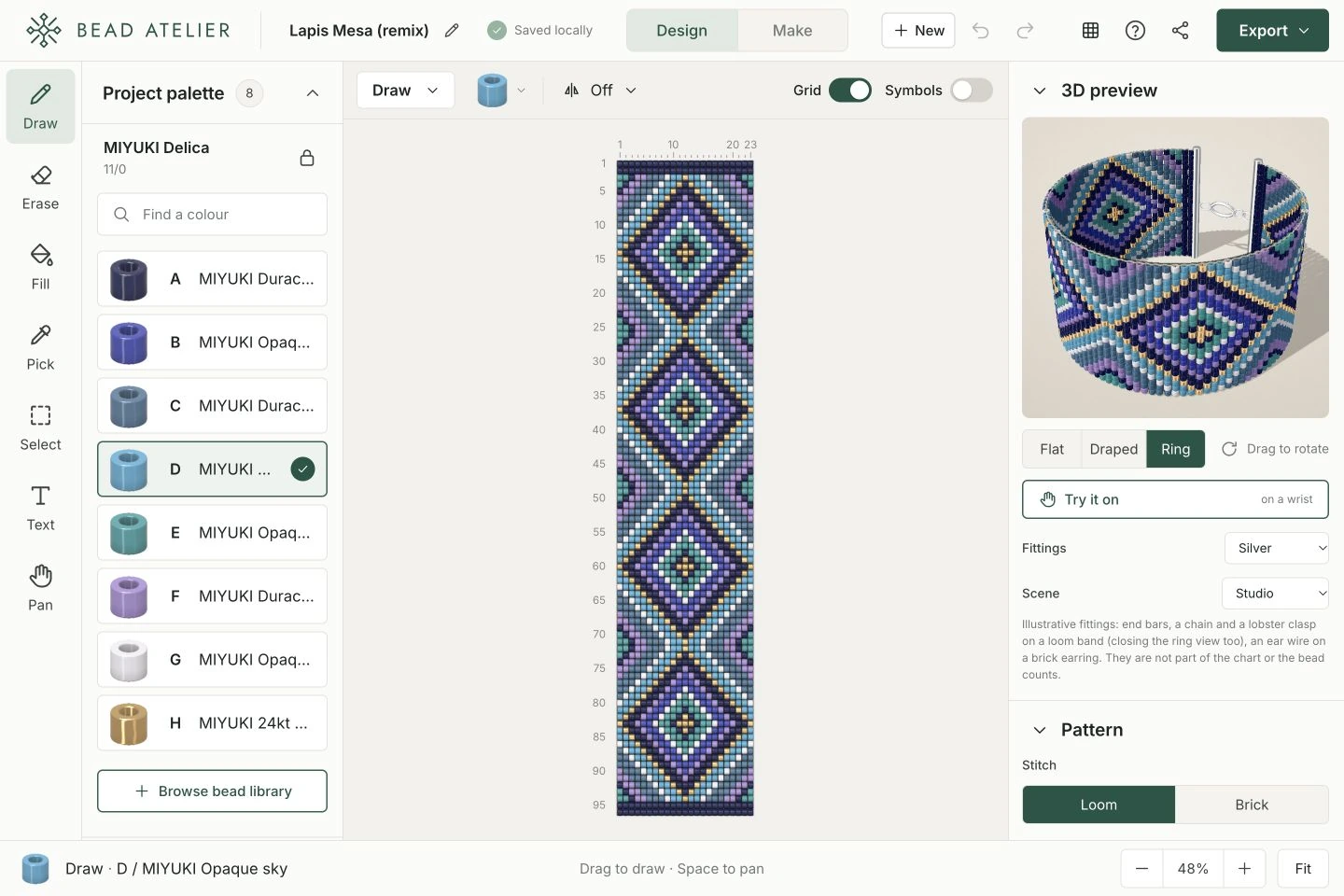
One pattern, from chart to bead preview.Your palette, chart and 3D preview, together.Click to enlarge ↗
01 /
Pick a bead
Choose a colour from your project palette.
02 /
Edit your chart
Draw a detail or fill an area with colour.
03 /
See the piece
Select Flat, Draped or Ring and drag to turn.
03 Settle in and make
A chart for your making table.
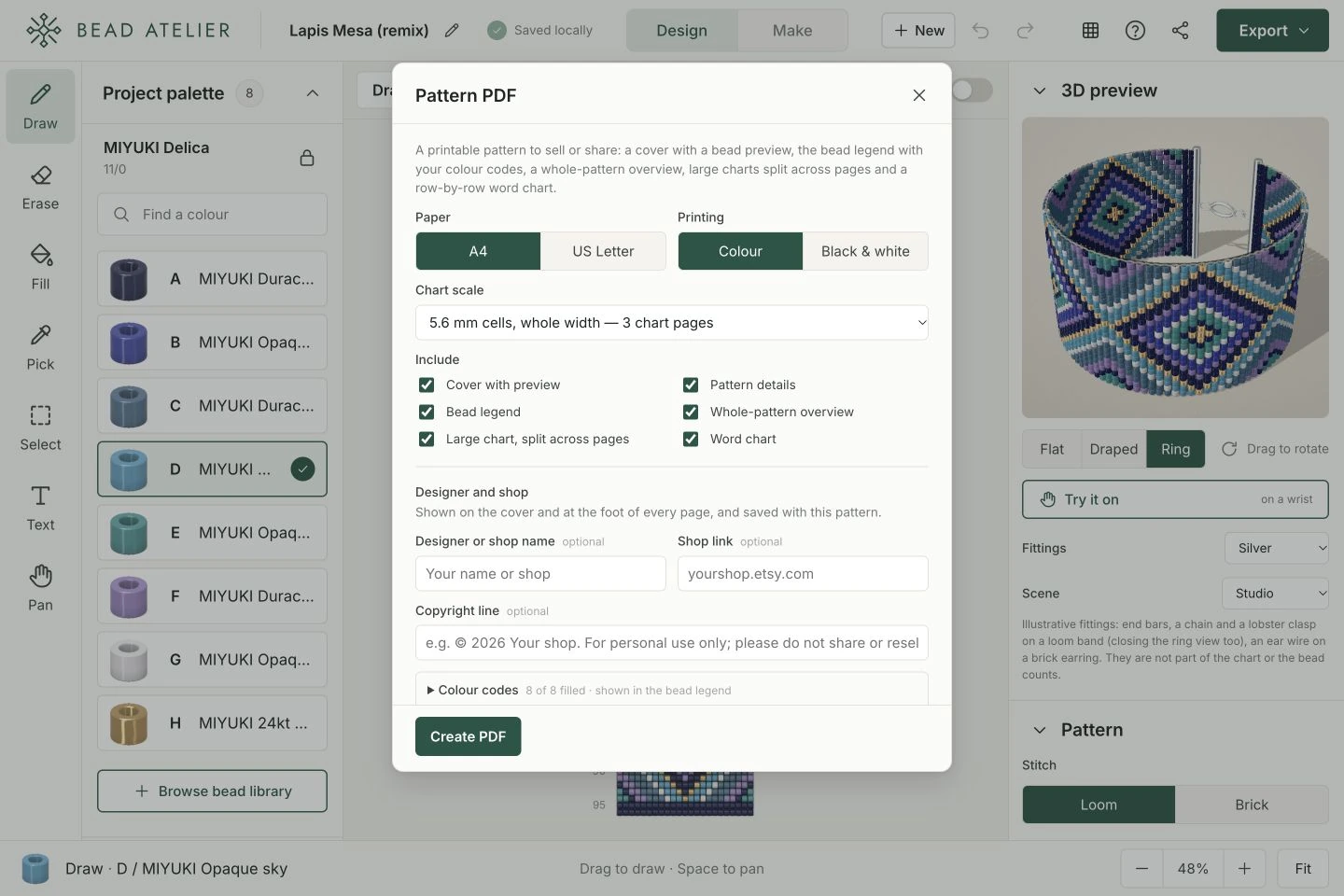
Print a PDF with a colour key, bead counts and written rows. Or follow along on screen, one row at a time, while Make mode remembers where you stopped.
Your bead list includes manufacturer colour codes and estimated grams, so you can plan what to buy.
Open Export → Pattern PDF, choose your paper size and sections, then select Create PDF. Prefer working on screen? Switch to Make.
Your published chart and the details you add are visible to everyone. Only share designs you made or have permission to publish.
Your privacy
A little clarity before you begin.
Here is what stays on your device, what sharing makes public, and how to choose whether visits are measured.
What stays on my device?
Unpublished patterns and imported photos stay in your browser. They are not uploaded while you design.
When you publish, your pattern, its pictures, title, description, tags and chosen display name become public.
What do you measure?
The live site uses Google Analytics 4 to understand visits, popular pages, feature use and general traffic sources. Google receives general device and visit information and uses analytics cookies to recognise returning browsers. Advertising features and Google signals are disabled.
We do not include draft contents, project names or private edit keys in the data we send. Private edit and draft links are excluded from analytics.
To reduce spam, requests are limited using a coded network identifier. Likes use a random identifier saved in your browser.
Your choice, in this browser.
Analytics respects Global Privacy Control and Do Not Track. You can also turn it off below. Your preference stays on this device; clearing site data resets it.
Your analytics preference can be changed when JavaScript is enabled.
Your next little project
What will you make?
Start with a pattern you love. Make the next version yours.